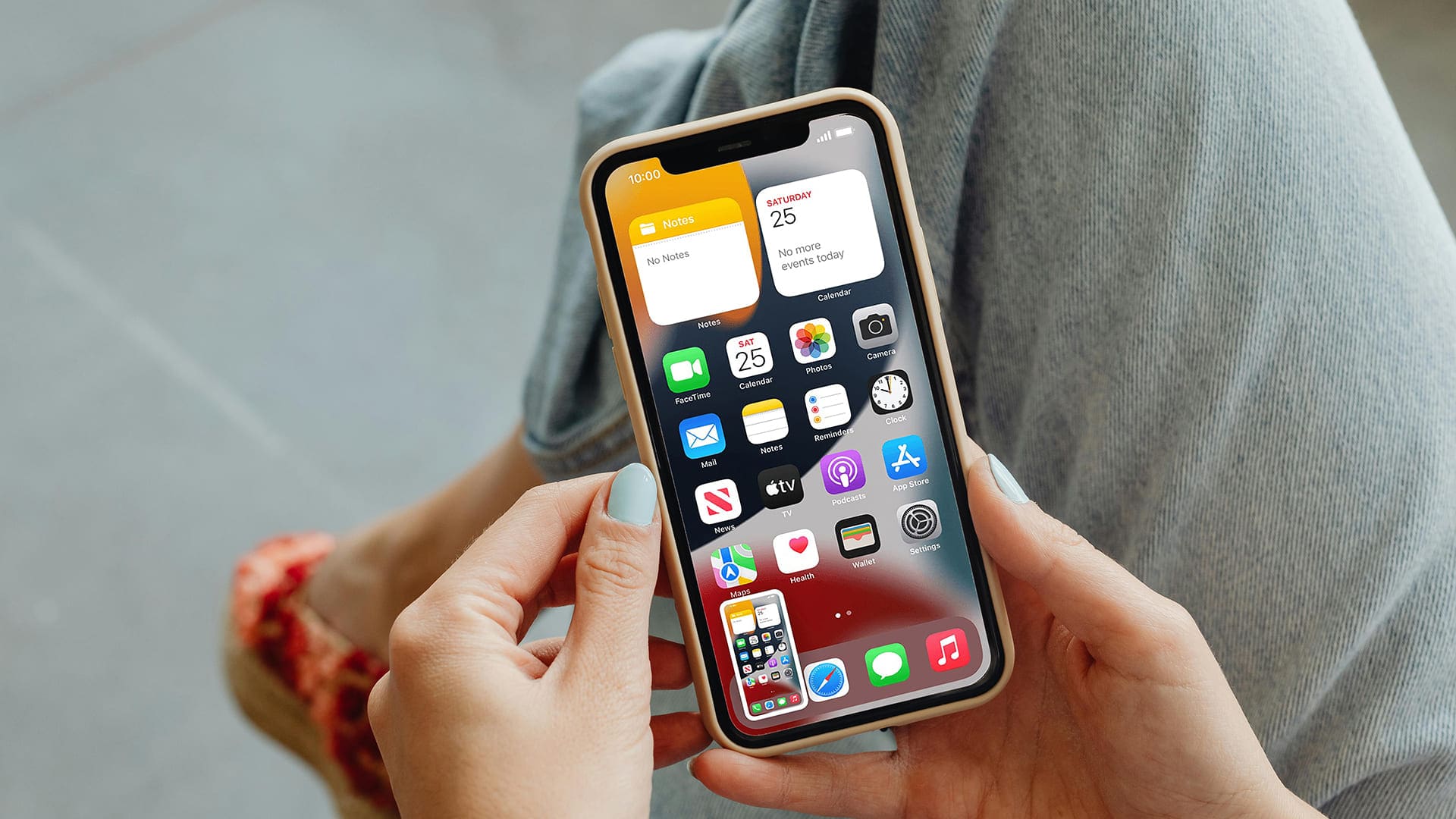
Understanding the Myth: APKs and iPhones Don't Mix
In the vast digital landscape, many iPhone users find themselves searching for "apk mod for iphone," hoping to unlock a world of customized or enhanced applications similar to what Android users enjoy. It's a common misconception, and it's essential to set the record straight right from the start: APKs (Android Package Kits) are designed exclusively for Android operating systems and cannot be directly installed or run on an iPhone or iPad. iOS devices utilize a different package format known as IPA (iOS App Store Package) files.
So, if you're an iPhone user looking for the equivalent of a "modded APK," what you're actually seeking are modded IPA files, and the process to get them onto your device is called sideloading. This article will demystify sideloading, explain the tools and limitations involved, and guide you through the process of getting modified apps on your iOS device without venturing into the realm of Android files.
What is Sideloading and Why Do iPhone Users Do It?
Sideloading, in the context of iOS, refers to the installation of applications onto an Apple device without using the official Apple App Store. While Apple maintains a strict ecosystem designed for security and quality control, sideloading allows users to install apps from other sources. These apps are often modified versions of existing applications, offering features not available in the official App Store versions, such as ad-free experiences, unlocked premium features, or custom functionalities.
The motivation behind searching for an "apk mod for iphone" or, more accurately, modded IPA files, is typically rooted in the desire for greater control and customization over one's device and applications. Users want to bypass restrictions, personalize their experience, or access content that might not be available through conventional channels. Sideloading offers a pathway to achieve this, albeit with certain technical hurdles and considerations.
Essential Tools for Sideloading Modded iOS Apps
While APKs are irrelevant to iPhones, several robust tools exist for sideloading IPA files. These tools act as a bridge, allowing you to install unsigned or custom applications onto your non-jailbroken iOS device. The two most popular and widely utilized methods are AltStore and Sideloadly.
AltStore: Your Gateway to Unofficial Apps
AltStore is arguably the most popular and user-friendly method for sideloading applications on non-jailbroken iPhones. It operates by tricking your iPhone into believing that the sideloaded apps are actually developer-signed applications installed by you. This clever workaround allows AltStore itself to be installed on your device, which then acts as its own app store, enabling you to install other IPA files directly from your iPhone.
- How it Works: You install AltStore via a companion application on your computer (AltServer). This requires an active connection to your PC/Mac periodically to "refresh" the apps.
- Pros: User-friendly interface, allows installation directly from your device once set up, can refresh apps over Wi-Fi, often supports game emulators and other utility apps.
- Cons: Requires a computer for initial setup and regular refreshes, relies on your Apple ID (though it uses app-specific passwords for security).
- Practical Tip: Keep your computer with AltServer running on the same Wi-Fi network as your iPhone for seamless app refreshes without needing to physically connect your device.
Sideloadly: A Direct Approach
Sideloadly offers a more direct, computer-based method for sideloading IPA files. It's often preferred by users who want to quickly install specific apps without committing to a full AltStore ecosystem. Sideloadly allows you to drag and drop IPA files onto the application on your computer, which then installs them onto your connected iPhone or iPad.
- How it Works: Connect your iOS device to your computer, launch Sideloadly, drag your desired IPA file into the app, enter your Apple ID credentials, and Sideloadly handles the installation.
- Pros: Simple and straightforward, ideal for installing one or two specific apps, doesn't require AltServer running in the background.
- Cons: Requires a computer connection every time you want to install or re-sign an app, less automated than AltStore for ongoing refreshes.
- Practical Tip: Ensure you have the latest version of iTunes installed on your Windows PC for Sideloadly to function correctly, even if you don't use iTunes regularly.
Both AltStore and Sideloadly utilize your free Apple Developer Program account (which every Apple ID implicitly has) to sign apps with a temporary certificate. This is what enables them to be installed on your device. For a deeper dive into these tools and how they bypass Apple's restrictions, check out our related article: AltStore & Sideloadly: Modded iOS Apps Without Jailbreaking.
The Sideloading Annoyance: Understanding the Limitations
While sideloading provides an answer to the "apk mod for iphone" query (by offering modded IPA files), it comes with a significant limitation: the 3-app limit and the re-signing requirement.
- The 3-App Limit: If you're not a paid Apple Developer, Apple limits the number of actively signed apps you can have installed simultaneously to three. This count usually includes AltStore itself (if you use it), leaving you with only two slots for other modded applications. Sideloadly users face the same restriction for apps they install.
- The Re-signing Requirement: Apps sideloaded with a free developer account are only valid for 7-10 days. After this period, the app will cease to open, and you'll need to re-sign it. This involves reconnecting your iPhone to your computer (for Sideloadly) or ensuring AltServer is running and performing a refresh (for AltStore). For AltStore, if AltServer is active on your network, apps can often be refreshed wirelessly from your device.
These recurring tasks can be quite cumbersome, leading to what many users describe as the "sideloading annoyance." It's a persistent reminder of Apple's tight control over its ecosystem.
For a detailed breakdown of these challenges and how they impact the user experience, read our dedicated article: Modded Apps on iPhone: The Sideloading Annoyance Explained.
When Does Jailbreaking Come into Play?
For those seeking to completely bypass these limitations and enjoy an unlimited number of permanent, sideloaded apps without constant re-signing, jailbreaking becomes a consideration. A jailbroken iPhone essentially removes Apple's software restrictions, allowing for full system access. This enables users to install a tweak that disables the 7-day expiration for sideloaded apps and removes the 3-app limit.
However, jailbreaking comes with its own set of significant risks:
- Security Vulnerabilities: Removing Apple's built-in security layers can expose your device to malware and other security threats.
- Stability Issues: Jailbreaking can sometimes lead to system instability, crashes, and reduced battery life.
- Voiding Warranty: Apple typically voids the warranty of jailbroken devices.
- Loss of Features: Some apps (especially banking or streaming services) may detect a jailbroken device and refuse to run or revoke access.
For most users, the non-jailbroken sideloading methods using AltStore or Sideloadly offer a safer balance between customization and security, despite the minor annoyances.
Navigating the Risks: Security and Stability Considerations
The pursuit of an "apk mod for iphone" (or modded IPA) isn't without its caveats. Beyond the technical limitations, there are crucial security and stability concerns to address:
- Malware and Viruses: The biggest risk comes from the source of your IPA files. Untrusted websites or forums can host malicious IPA files embedded with malware, spyware, or other harmful code. Always download IPA files from reputable and well-known communities or developers.
- App Stability: Modded apps are not officially supported. They might be buggy, crash frequently, or behave unpredictably. Updates to iOS can also break compatibility with older modded apps.
- Data Privacy: Be wary of what permissions modded apps request. A modified app could potentially collect your personal data without your knowledge or consent. Stick to known developers with good reputations.
- Account Bans: Using modded versions of certain apps (especially online games or social media platforms) can lead to temporary or permanent bans from those services if detected.
To mitigate these risks, always exercise caution. Research the modded app and its source thoroughly before installing. Read reviews, check community discussions, and be skeptical of anything that seems too good to be true.
Conclusion: The Sideloading Reality for iPhone Users
While the initial search for an "apk mod for iphone" highlights a common misunderstanding about file compatibility, the underlying desire for enhanced app functionality is entirely valid. The reality for iPhone users is that sideloading IPA files via tools like AltStore and Sideloadly is the closest equivalent to the Android modded app experience, without resorting to the significant risks of jailbreaking.
Embracing sideloading means accepting its limitations—the 3-app cap and the regular re-signing—as the trade-off for accessing unofficial software on a non-jailbroken device. By understanding these tools, their processes, and the inherent risks, you can navigate the world of modded iOS apps safely and effectively, transforming your iPhone experience beyond the confines of the official App Store.